Pixel Pumper
A downloadable tool for Windows and macOS
PIXELPUMPER
The Ultimate Clip Companion.
Three purpose-built modes for the way you actually watch.
A multi-grid player, a real-time visual effects engine, and an AI-powered content filter — each deep enough to be its own product.
⎯
WHAT'S NEW
Version 1.1.0.
🍎 Mac Support (Public Beta)
Pixel Pumper now runs on Apple Silicon Macs. Native CoreML inference backend and ScreenCaptureKit screen capture. Unsigned beta right now while the LLC Apple Developer enrollment completes; signed 1.1.1 release drops in 1-2 weeks.
📷 Live Webcam Input (Beta Safe)
Beta Safe now takes your webcam as a live source. Right-click the display, Source, Use Camera, pick your device. Censor your live webcam feed in real time. Pair with BROADCAST below for a full live pipeline.
📡 BROADCAST to Any App (Beta Safe)
New BROADCAST button pushes your censored feed into the OBS Virtual Camera driver. Zoom, Discord, browser live sites, streaming platforms, SextPanther, LoyalFans — they all see Pixel Pumper as a webcam. Requires OBS installed for the driver (free). Confirmed working on both Windows and Mac.
💾 Offline Video Export (Beta Safe)
Bake whatever is live on your canvas into a final MP4. Hardware accelerated via NVENC on NVIDIA, AMF on AMD, QSV on Intel, with CPU libx264 fallback. Quality presets. Audio auto-muxed. Source file never touched.
🔗 URL Loading Overhaul
All three modes now use the same hardened URL loader. Automatic retry on network hiccups, 15-second timeout on dead hosts, specific error messages. Right-click the canvas in any mode and pick "Load from URL" to use it.
🛡️ Merge Breast Pairs (Beta Safe)
New opt-in setting in Beta Safe that combines left and right breast detections of the same person into one wider censor box. Off by default.
🎙️ Audio Device Picker (Beta Safe)
Recording now has a loopback device dropdown. Lock to a specific output when the Windows default isn't the one you actually want recorded. Useful for multi-monitor HDMI setups.
⎯
MODE 01
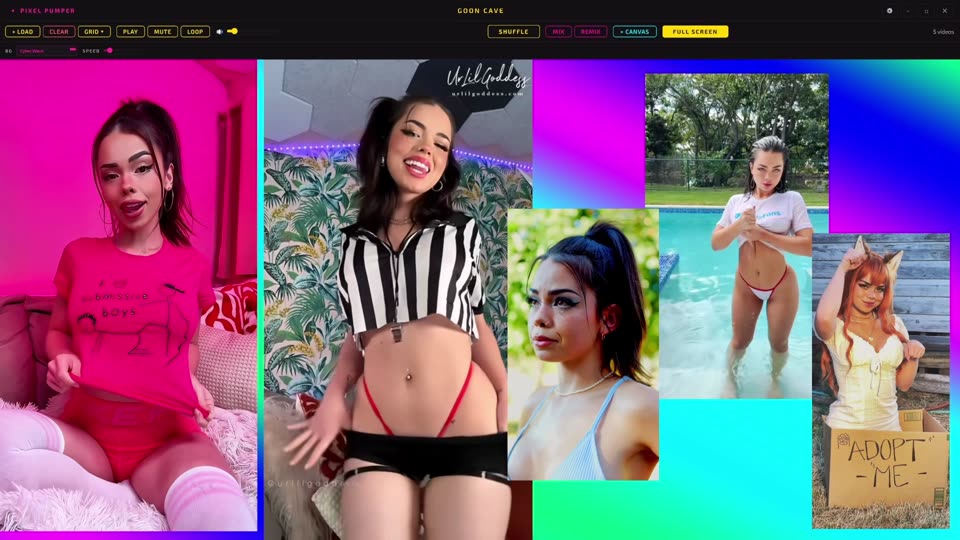
THE GRID
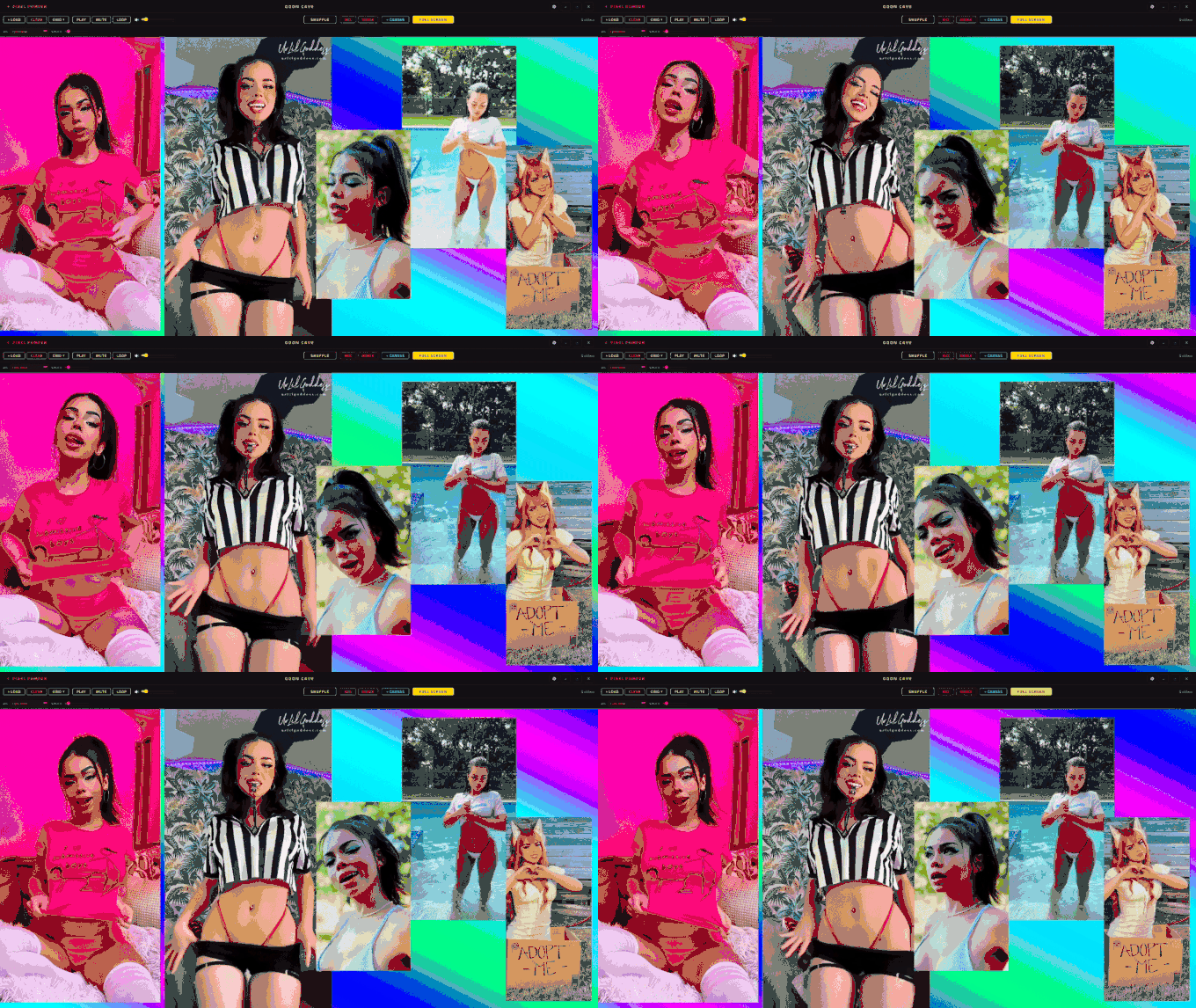
Your playground. Load 1 to 16 clips into a dynamic grid — auto, 2x2, 3x3, 4x4, mosaic, or freeform. Press P on any cell to turn it into a seamless loop. Twelve animated backgrounds including four spiral overlays. Spawn extra Canvas windows on your second monitor.
⎯
MODE 02
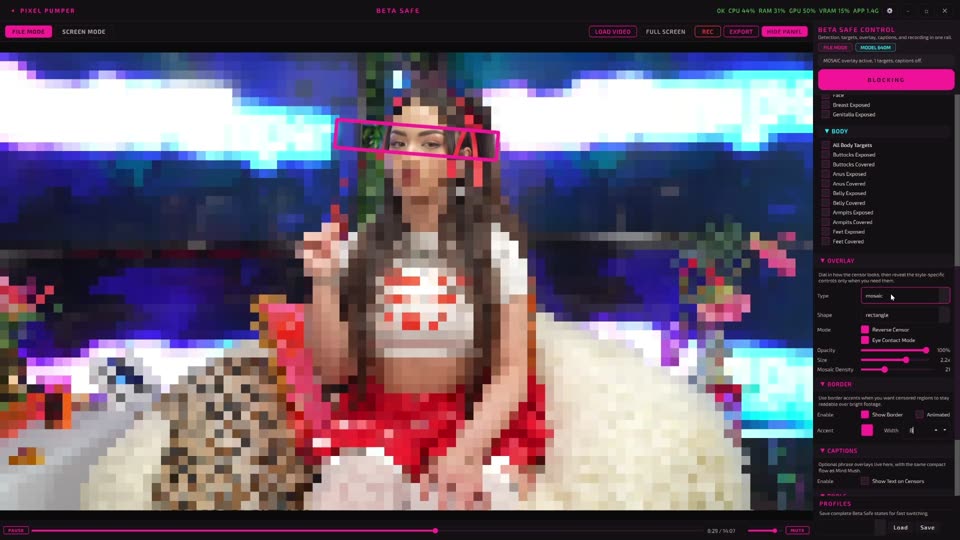
BETA SAFE
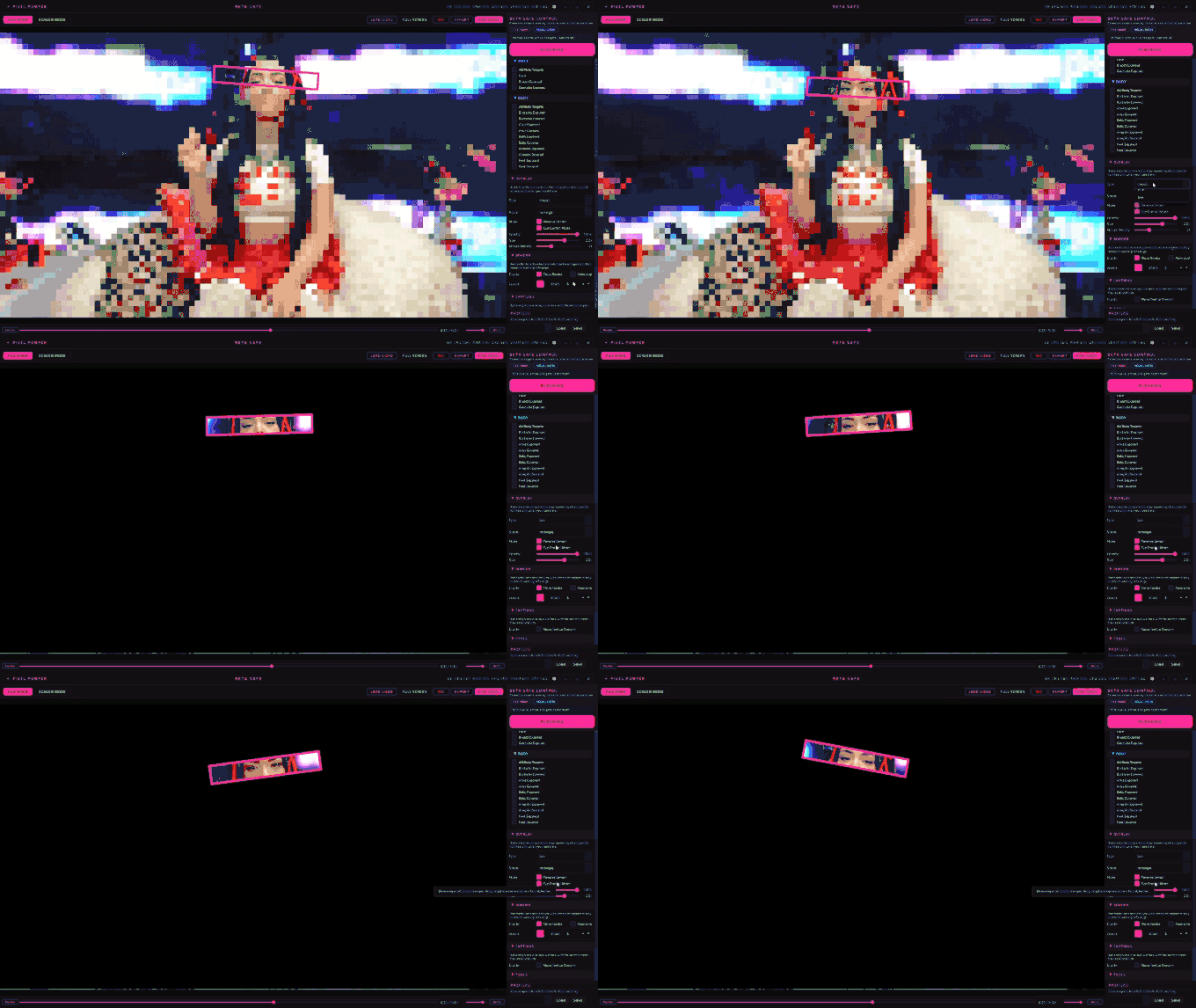
The AI mode. An 18-class detection model watches your screen, camera, or files in real time and covers whatever you tell it to. Four censor styles — mosaic, blur, box, custom image. Eye Contact Mode with 468-point face tracking. Rotating text overlays from phrase banks. BROADCAST the output to any app that takes a webcam. GPU accelerated via TensorRT, CUDA, DirectML, or CoreML.
⎯
MODE 03
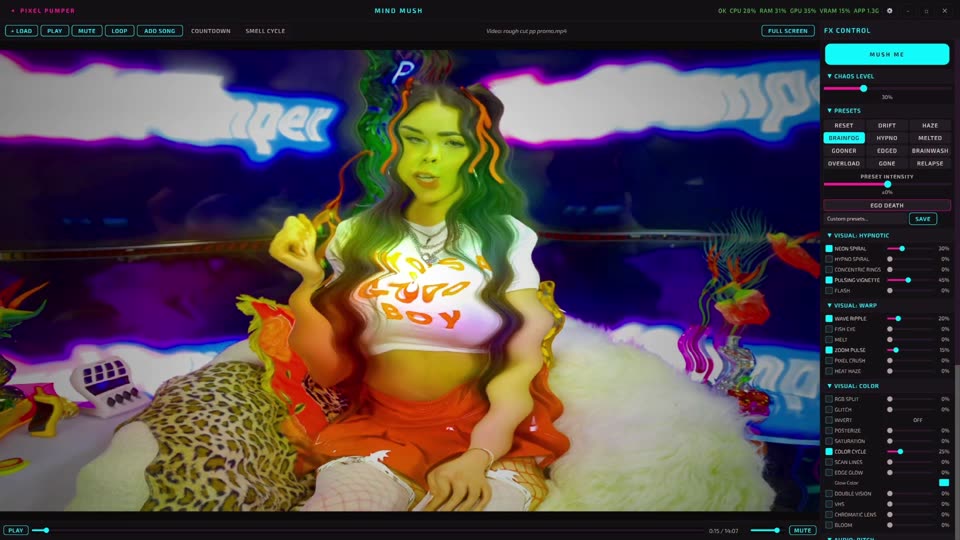
MIND MUSH
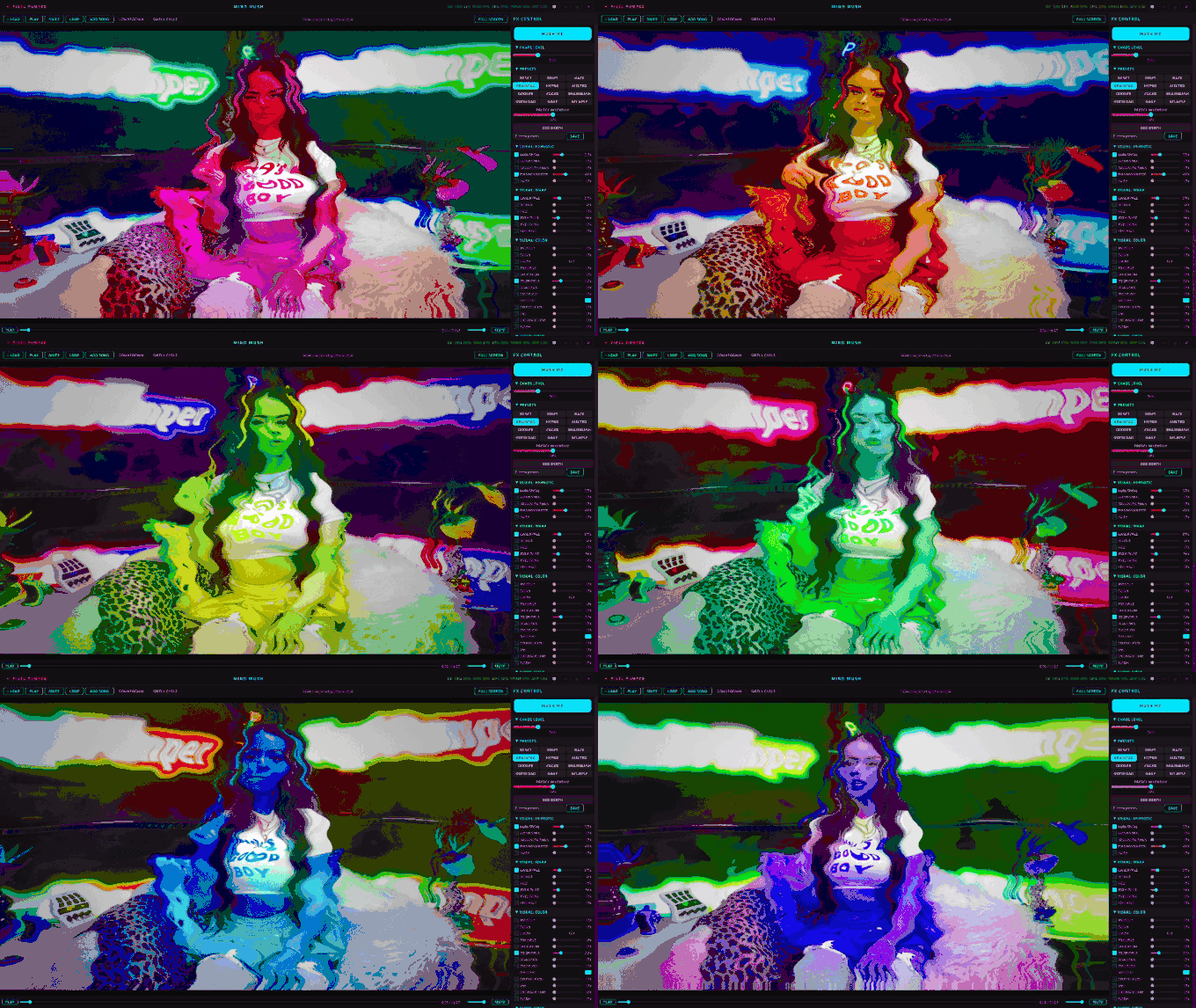
The visual one. Twenty-three real-time effects and six audio DSP presets stack on any clip — spirals, melt, VHS, chromatic aberration, bitcrush, binaural beats. Hit the MUSH ME button and it auto-cycles everything at your Chaos Level. Thirteen built-in presets, including EGO DEATH.
⎯
UNDER THE HOOD
Not a toy.
🧠 18-Class Detection Model
A neural network that separately detects female and male body parts, belly, armpits, feet, and faces. Per-category checkboxes, four sensitivity presets, two model sizes to match your hardware.
⚡ GPU Acceleration
Windows: NVIDIA TensorRT, NVIDIA CUDA, DirectML (AMD + Intel), or CPU fallback. Mac: native CoreML on the Apple Neural Engine. Auto-detects the best backend at launch. No config file edits.
📡 BROADCAST Pipeline
Feeds the Beta Safe canvas (source plus censors plus text plus whatever you have dialed in) into the OBS Virtual Camera driver so any app with a camera picker consumes Pixel Pumper as a webcam. Turns live censoring into a full streaming-ready pipeline.
💾 Hardware-Accelerated Export
Bake any file-mode session into a final MP4 via NVENC on NVIDIA, AMF on AMD, QSV on Intel, or CPU libx264. Quality presets for file-size tradeoffs. Audio muxed back automatically. Source file is never touched.
🎛️ Audio DSP Engine
Echo, reverb, pitch shift, flanger, tremolo, bitcrush, binaural beats — real audio processing through your speakers. Not filters. Not prerecorded. Live, and always synced to the video.
🎨 Censor Styles
Mosaic, blur, solid box, or drop in your own image as a custom censor. Three shapes. Animated borders with glow, rainbow, scanner, and electric effects. Text overlays from ten phrase banks.
🖥️ Live Screen Capture
Beta Safe doesn't just work on files. Point it at any monitor and censor in real time. Any window, any browser, any app. Full multi-monitor support with independent censors per display. Uses dxcam on Windows and ScreenCaptureKit on Mac.
📦 Standalone Apps
Ships as a single Windows .EXE (Nuitka-compiled) or a native Mac .app bundle. No Python install, no dependencies, no command line. Download, run, done. The setup wizard auto-configures for your hardware on first launch.
⎯
MIND MUSH PRESETS
Thirteen ways to lose focus.
RESET DRIFT HAZE BRAINFOG
TRANCE MELTED SATURATE SUSTAIN
DEEP WASH LOOP OVERLOAD GONE
EGO DEATH
A Preset Intensity slider scales the whole thing up or down without changing which one's active. Pair any preset with MUSH ME and the app takes over.
🌀 THE CHAOS SLIDER
One slider. Zero control. Crank it up and let MUSH ME auto-cycle visual and audio effects in real time — every four seconds by default, blended on the chaos curve you set. Spirals intensify. Colors shift. Audio warps. You set the ceiling — the chaos fills the room.
⎯
SYSTEM REQUIREMENTS
What you need.
WINDOWS MINIMUM
OS: Windows 10 64-bit (build 2004 or later) or Windows 11
CPU: 4-core 64-bit processor. Intel i5-8000 series, AMD Ryzen 5 2000 series, or newer
RAM: 8 GB
GPU: DirectX 11 compatible with 2 GB VRAM
Storage: 1 GB free (approximately 300 MB download)
Display: 1920 x 1080
WINDOWS RECOMMENDED
OS: Windows 11
CPU: 6+ core processor. Intel i7-10000 series, AMD Ryzen 5 5000 series, or newer
RAM: 16 GB (needed for 8+ video grids in Goon Cave)
GPU: 6+ GB VRAM. NVIDIA GTX 1660, AMD RX 5600, or better
Storage: SSD for faster video playback
Display: 1440p or 4K, multi-monitor supported
MAC (APPLE SILICON, PUBLIC BETA)
OS: macOS 13 Ventura or later
Chip: Apple Silicon M1, M2, M3, or M4. Intel Macs not supported
RAM: 8 GB minimum, 16 GB recommended
Storage: 1 GB free
Inference: native CoreML, runs on the Apple Neural Engine
First launch: unsigned beta, takes a few extra clicks to open. Signed 1.1.1 release drops in 1-2 weeks (no Gatekeeper dance).
BETA SAFE AI DETECTION
GPU acceleration via TensorRT, CUDA, DirectML, or CoreML depending on your platform, with CPU fallback. 4+ GB VRAM recommended on Windows for GPU inference. Apple Neural Engine used automatically on Mac. Auto-detects the best provider on first launch.
FIRST LAUNCH NOTES
Windows: if SmartScreen appears, click "More info" then "Run anyway". If your antivirus flags the app, add the install folder to exclusions. On fresh Windows installs you may need the Microsoft Visual C++ 2015-2022 Redistributable (x64) from Microsoft. Mac: full install instructions in the Devlog (different path for macOS 13-14 vs macOS 15 Sequoia).
NOT SUPPORTED
32-bit Windows. Intel Macs. Linux.
⎯
Three modes. One app. Endless combinations.
$19.99 one-time · Yours forever · No subscription
Windows 10+ and Apple Silicon Mac · All future updates included
Purchase
In order to download this tool you must purchase it at or above the minimum price of $19.99 USD. You will get access to the following files:
Development log
- Pixel Pumper 1.2.2: Censor Fade Fix, Tighter Tracking, and Live-Capture Parity1 hour ago
- Pixel Pumper 1.2.0: Share a Full Grid in One File & More12 hours ago
- Pixel Pumper is now on Mac (beta)3 days ago
- Pixel Pumper 1.1.0: Webcam input, BROADCAST, offline export, URL overhaul, Mac b...3 days ago
- How to get Pixel Pumper updates the easy way4 days ago
- Pixel Pumper 1.0.3 - GPU Detection Hotfix5 days ago
- Pixel Pumper 1.0.2 Patch Notes - Your Images Library, Audit Pass, and a Pile of...5 days ago
- Pixel Pumper 1.0.1 — Multi-Image Censors, Bug Fixes & QoL6 days ago